Your videos and photos. Posted everywhere, every week.
Upload what you already have. Bizzle plans what goes out, when and where, sizes it for every platform and writes the captions. When you're short, motion graphics fill the gaps.
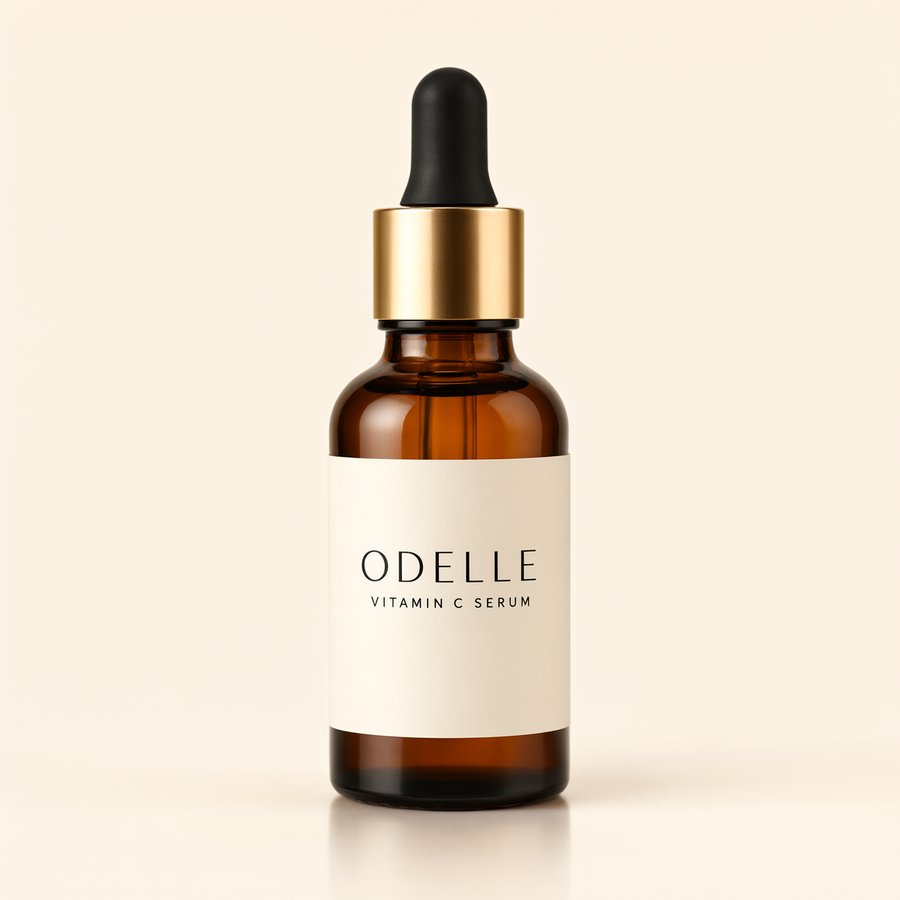
Everything a product needs to sell online.
Mix them freely. The planner picks what each post should be, and you can change any of it.
Your own videos and photos
The heart of it. Drop in what you already shoot: you, your team, your customers, your product in use. Bizzle sizes each one for every platform, writes the captions and puts it on the calendar.
Motion graphics
Price drops, launches, bundles, countdowns and review cards, animated in your colours with your logo. Made in seconds in your browser, and free: no credits used.
Captions for each platform
Every post gets its own caption and hashtags in each platform's style, never the same words twice across accounts.
Inspiration finder
Trend Scout searches the web for how products like yours are being sold right now and hands you hooks, formats and angles, with links to see them. Ideas to make your own, never a copy button.
Planned weeks ahead, approved in one tap.
Tell Bizzle which platforms you use and how often to post. It plans 1 to 4 weeks per product: the day, the platform, the format, the hook, the caption, the hashtags and the visual.
Bizzle writes the week from your brand brief, your products and what's working now.
Each post says how it's made: one of your uploads or a motion graphic.
Go post by post, or approve the whole week. Change anything first.
Download a ready-to-post kit per post today; posting by itself is rolling out.
The planner knows the shopping calendar and plans around the ones that fit your products and where you sell, two weeks ahead.
The right shape for every platform.
One idea, cut and captioned for each place it goes. Bizzle sizes every post for you.
| Platform | Shapes | Length | What works |
|---|---|---|---|
| Instagram Reels | 9:16 | 6 to 30 s | The product in the first second |
| Instagram feed | 4:5, 1:1 | Loop or still | One clean shot, the price in the caption |
| Stories | 9:16 | Up to 15 s | An offer or a countdown |
| TikTok | 9:16 | 6 to 30 s | Three hooks, the winner kept |
| YouTube Shorts | 9:16 | Up to 60 s | A detail people search for |
| 1:1, 4:5, 16:9 | 6 to 30 s | Plain words, the offer up front | |
| 2:3, 9:16 | Still or 6 to 15 s | Searchable words in the title | |
| 1:1, 16:9 | Up to 30 s | The story behind the product | |
| X | 16:9, 1:1 | Up to 30 s | One line and the clip |
Posts that stop the scroll, in every shape.
9:16, 1:1, 3:4 and 16:9: every post sized for where it goes.
Questions, answered.
Email support@bizzle.studio and a person will get back to you.
What do I need to start?
Can I edit what Bizzle plans?
Can my posts show people?
Yes, your own. Your uploads are yours and post as you made them: you, your team, your customers.
Is the inspiration finder copying other brands?
Who owns what I make?
Your first week, planned in minutes.
Six quick questions, about a minute: see what Bizzle would do for your store, free, before you make an account.