Reference pictures
One picture. Every direction.
Drop in a product shot and Bizzle keeps it on-model in every scene you describe. Use up to nine pictures in one video, plus a start and end frame when a shot has to land exactly.
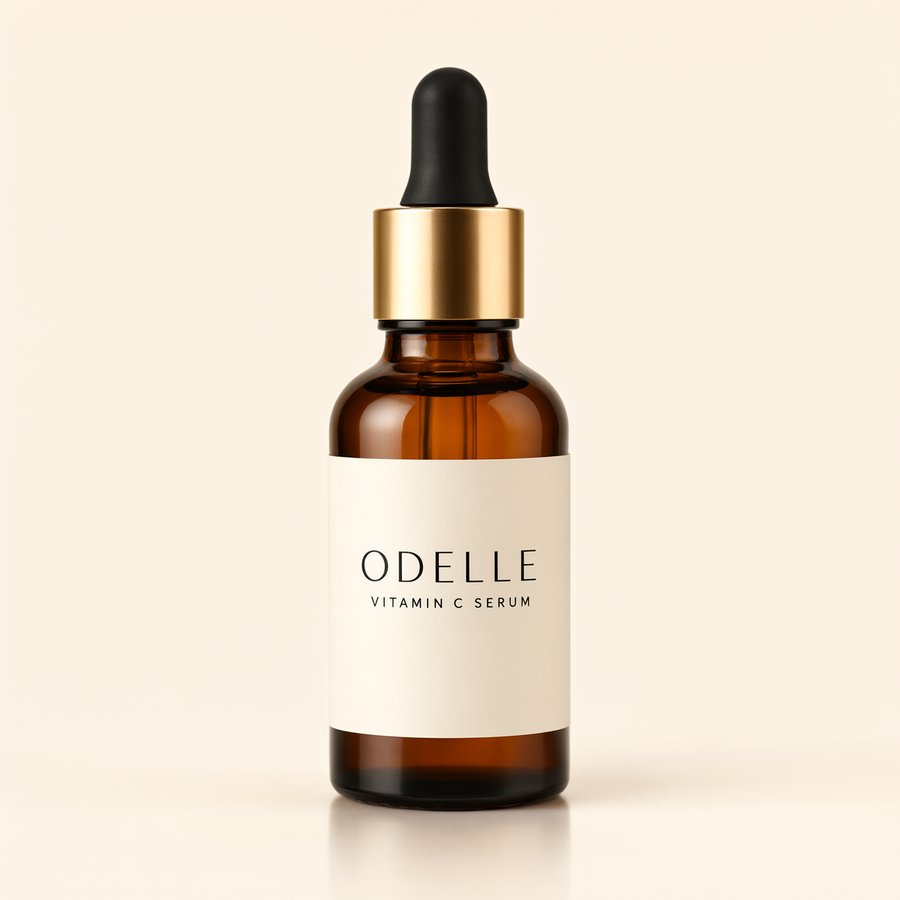 Your picture
How reference pictures work
- Add your picturesUp to 9: a product, a person, a place. Each one becomes <Picture 1>, <Picture 2> and so on.
- Write the sceneName them in the prompt, like “the bag from <Picture 1>”, or let the Prompt Assistant write it.
- Pin the first or last frameOptional: add a start frame, an end frame or both, alongside your pictures.
Stop rationing your ideas.
Open the studio and make every take you can think of. One clear price for the hour, and everything you make in it is yours.