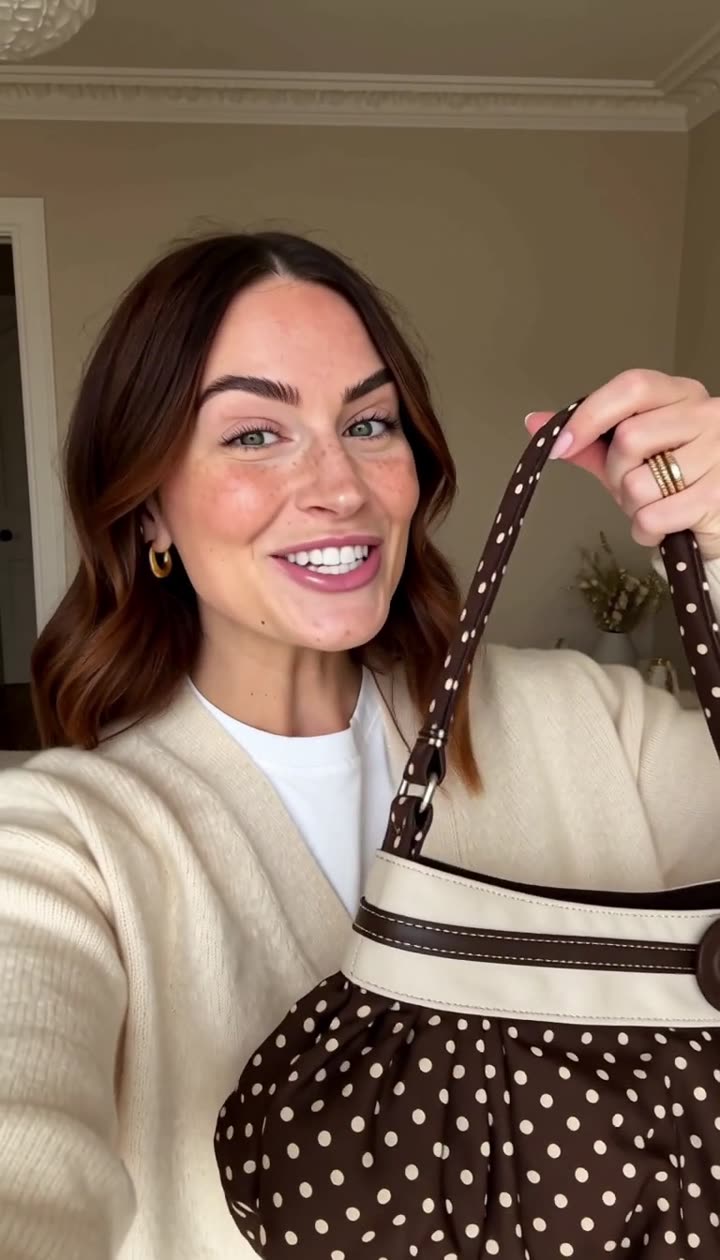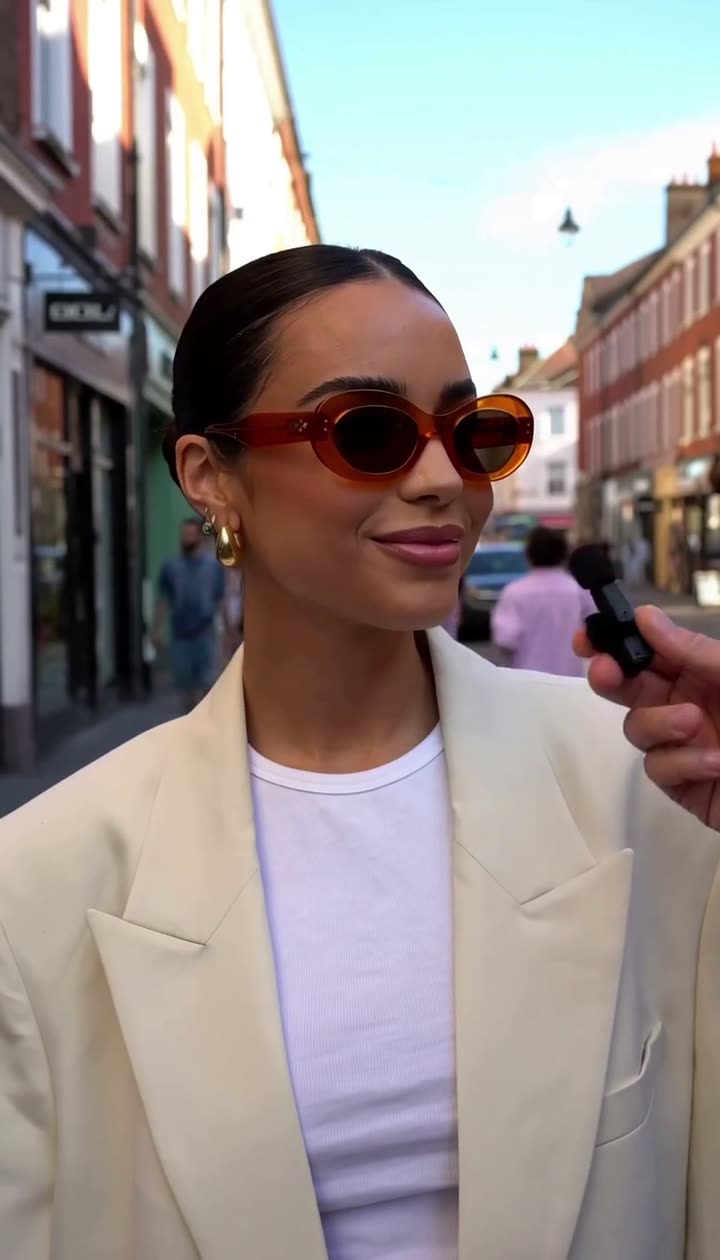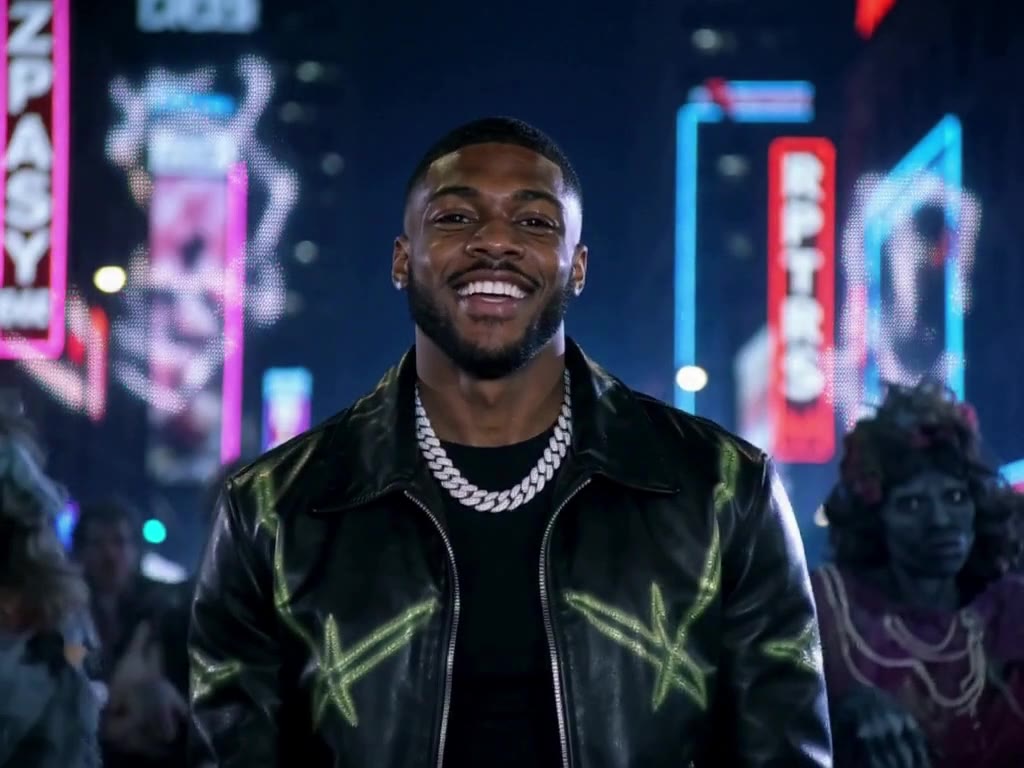
Motion Kairo, Bizzle's motion swap (you'll also see it called motion transfer or character swap), is one of the most fun things AI video can do. You give it a clip with the moves (a dance, a stunt, a skit) and a picture of who should star. The model keeps the choreography, the timing and the camera, and puts your person in the lead.
It's also easy to get wrong. The most common failure is strange: you ask for your person, and the original performer comes back, sometimes for the whole clip, sometimes just for the last few seconds. This guide covers what we learned getting it right on Bizzle.
What Motion Kairo does
On Bizzle, Motion Kairo takes a reference video (it becomes <Video 1>), one to three pictures of the people who should appear (<Picture 1> and so on), and a prompt. The reference video's soundtrack comes along as <Audio 1>, and the result keeps the shape of the original video.
Prepare the clip
- Any frame rate. The model works at 24fps, and Bizzle turns your clip into 24fps for you, so phone footage at 30 or 60fps is fine as it is.
- Up to 3 minutes, 15 seconds swapped. A swap is at most 15 seconds. Bring a longer clip (up to 3 minutes) and you pick the 15 seconds to swap on a filmstrip before it's added.
- Skip the 4K file. The output is around one megapixel anyway, so a 1080p cut uploads faster and loses nothing.
- One clear lead. The swap is most reliable when there's one obvious main performer, well lit and not constantly hidden behind others.
- MP4 or MOV both work.
Choose the picture
One clear, front-facing, well-lit picture per person is enough. A few things make a real difference:
- Show the outfit. The new person keeps their own clothes from the picture, so a picture that shows the jacket, the chain or the trainers gives the model more to work with than a tight headshot.
- Keep the background plain. Busy backgrounds compete with the person for attention.
- Match the vibe. A grinning, confident photo carries into the performance better than a neutral passport shot.
The prompt format that works
This is the part that took us longest to learn. Free-form prompts (“use the moves from Video 1, replace the dancer with the man from Picture 1, match the exact movements and framing”) failed again and again. The model treated the video as the thing to copy and gave us back the original performer.
What fixed it was MiniMax's own structured format for video edits, the format this model was trained on. It has six labelled sections:
- subject_definitions: what each tag is. The video is the source, each person is tied to their picture, and the audio is reused.
- summary: one paragraph saying what changes and what stays.
- retention_analysis: for each element, how much is kept, using fixed markers (
fully_preserved,partially_preserved,fully_copy). - detailed_description: one style line, then the shots.
- overall_soundscape and non_diegetic_music: the sound and music.
With this format, our Thriller-style swap worked first time after a string of failures.
Five rules that keep the swap
1. Swap the whole person, not just the face
Take only the choreography, position and camera move from the video. The new person keeps their own face, hair, skin and clothes from their picture, and the original performer is “replaced in full”. Face-only swaps that keep the original outfit let the original performer win: the costume pulls the old identity back in.
2. Don't describe anyone else's look
Background dancers are simply “kept exactly as they appear in <Video 1>”. When we described the backup dancers' makeup next to the lead, the model painted that makeup onto the swapped person.
3. Let the picture carry the identity
Don't re-describe what the picture shows (hair, face). Add only what would otherwise fight the original: the person's skin tone if it differs a lot from the original performer's, and the outfit from the picture. Refer to them as “the man from <Picture 1>” every time.
4. Positive wording only
Describe what should be there, never what shouldn't. Naming a thing to forbid it tends to summon it. In one rap swap, “no new speech or sounds” froze every mouth in the video.
5. Restate the person in every shot, through the last frame
On longer clips, people named only once drift back to the originals near the end. Restate who they are in every shot line, and close with a line like “<Subject 1> looks exactly like the person in <Picture 1> from the first frame to the last”.
A template you can copy
Here's the one-person version of the prompt behind our swap, with the specifics in square brackets. Replace those, and add a [Shot 2] At 00:05.000, ... line for each cut in your clip if it has any.
subject_definitions:
<Video 1> is the source video for the target video edit.
<Subject 1> is the person in <Picture 1>, exactly as they appear in <Picture 1>: their own face, their own hair, their own skin tone, and their own outfit from <Picture 1>, [describe the outfit in a few words]. They replace the whole lead dancer of <Video 1> and perform that dancer's choreography in that dancer's position.
<Audio 1> is the synchronized audio track of <Video 1> and is reused in the target video.

summary:
[video editing + reference generation + audio reuse] The target video is an edited version of <Video 1>. The lead dancer of <Video 1> is replaced in full by <Subject 1>, the person from <Picture 1>, with their own appearance and outfit, and the setting is replaced by [the new setting]. <Subject 1> performs the same dance, with the same camera move and timing as <Video 1>, while <Audio 1> is reused as the soundtrack.

retention_analysis:
<Subject 1> (appears in [Shot 1]): fully_preserved - the person from <Picture 1> keeps their face, hair, skin tone, outfit and full identity, and takes the lead dancer's place and choreography from <Video 1>.
<Video 1> (choreography, camera movement and timing): partially_preserved - the dance, the camera move and the timing are kept; the lead dancer is replaced in full by <Subject 1> and the setting is replaced.
<Audio 1>: fully_copy - <Audio 1> is reused 1:1 as the target video's complete final audio track.

detailed_description:
The target video is a sharp, photorealistic high-definition music video with [the lighting and colour you want].
[Shot 1] <Subject 1>, the person from <Picture 1>, looking exactly as they do in <Picture 1>, wearing [their outfit], dances in [the new setting], performing the choreography of <Video 1> step for step and on the beat of <Audio 1>, with the same camera move as <Video 1>. <Subject 1> looks exactly like the person in <Picture 1> from the first frame to the last.

overall_soundscape:
The sounds within <Audio 1> continue throughout.

non_diegetic_music:
<Audio 1> is directly reused as the complete soundtrack.
You don't have to write this by hand. In Bizzle's Generator, switch to Motion Kairo, open the Prompt Assistant and just say who replaces whom and what changes (“swap the lead for Picture 1, new background: a neon street”). It writes the six sections for you, applying every rule above.
Fast or Best?
- Fast (recommended, the default) runs 4 steps. A 15-second swap takes several minutes, and with a good prompt it's usually all you need.
- Best runs the full model with no shortcuts (20 steps) for the most detail. It takes about 3 times as long as Fast, so it uses more studio time: save it for the final take.
Motion Kairo uses a separate model from Text & image, and only one is loaded at a time. Switching between them costs a short model load (around half a minute), so group your swaps together rather than alternating with other videos.
Whose face, whose music
Motion Kairo is powerful, which is exactly why it needs care. Before you publish a swap:
- Use a real person's face only with their permission. Yourself, your friends who said yes, a creator you work with, or an original character you made. Swapping a real person in without consent can break the law in many places, and it breaks our Acceptable Use Policy.
- Check the music. The swap keeps the reference video's soundtrack. If it's a commercial song, make sure you're allowed to use it the way you plan to, or replace it in the editor.
- Label it as AI. Use the platform's AI label or say so in the caption. It's required on many platforms, and it's the honest thing to do.
Motion Kairo is available on every paid plan. Bring a clip (up to 3 minutes, any frame rate) and a clear picture, and let the Prompt Assistant write the rest.