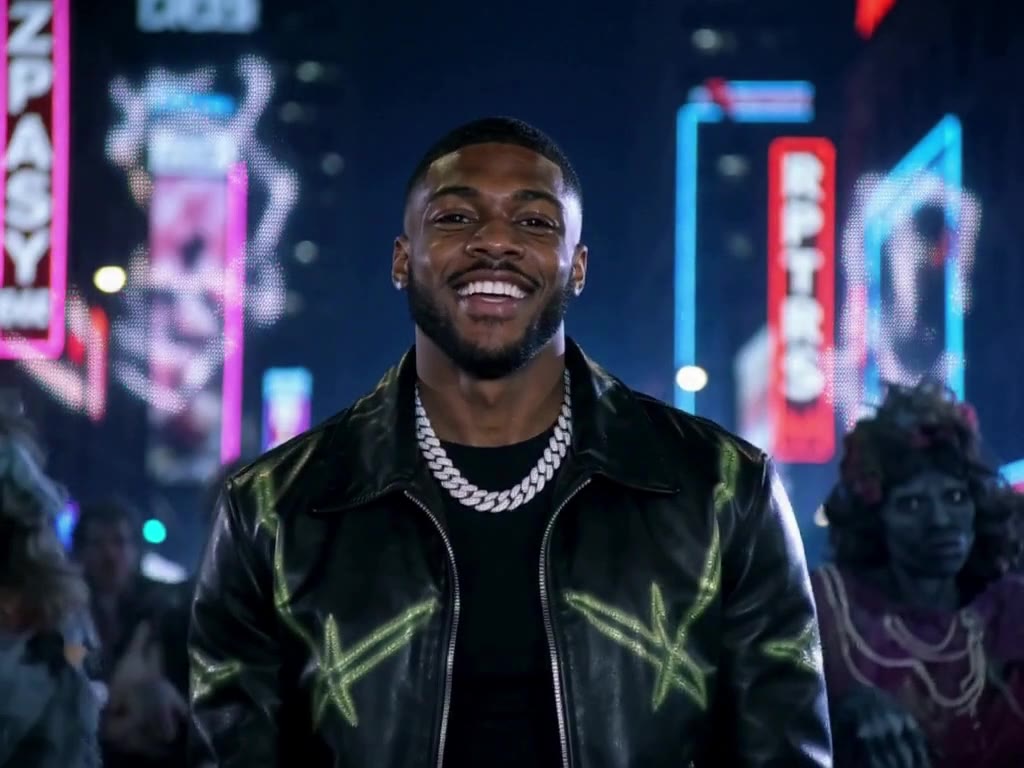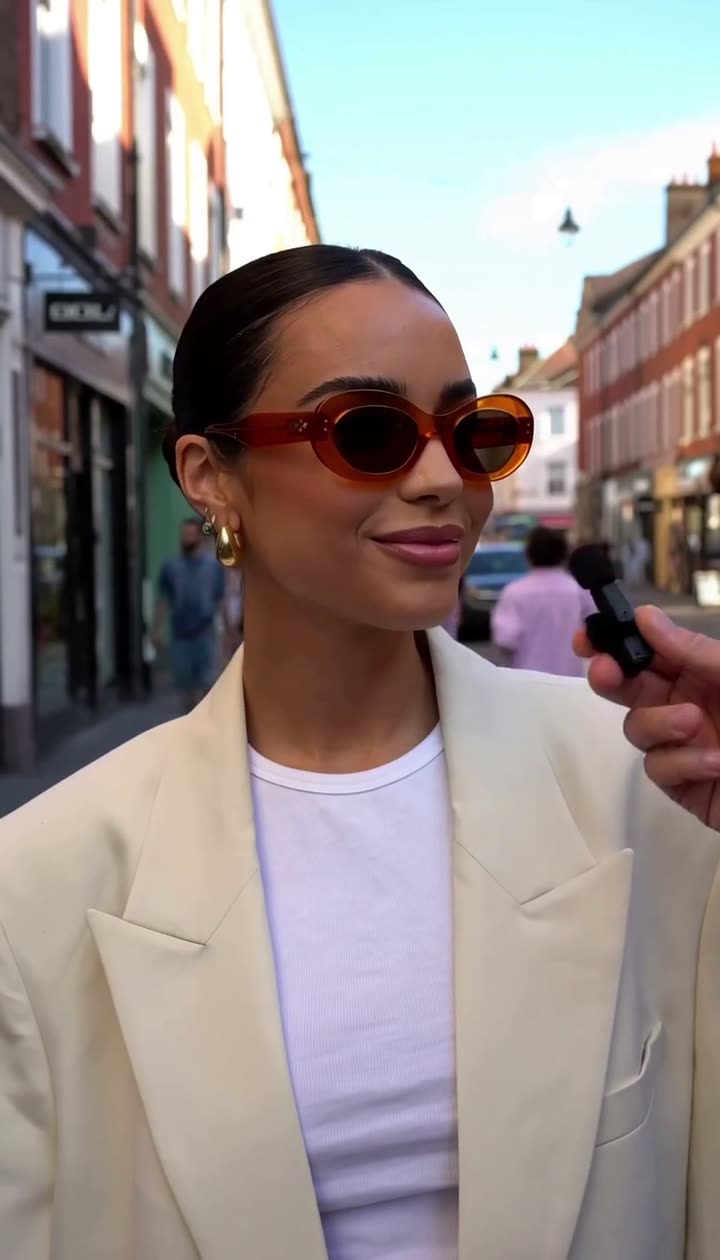
UGC-style ads (short vertical videos that look like a real person filmed them on a phone) are some of the best-performing ads on TikTok, Reels and Shorts. They're also slow and expensive to make the traditional way: find a creator, ship the product, wait, reshoot.
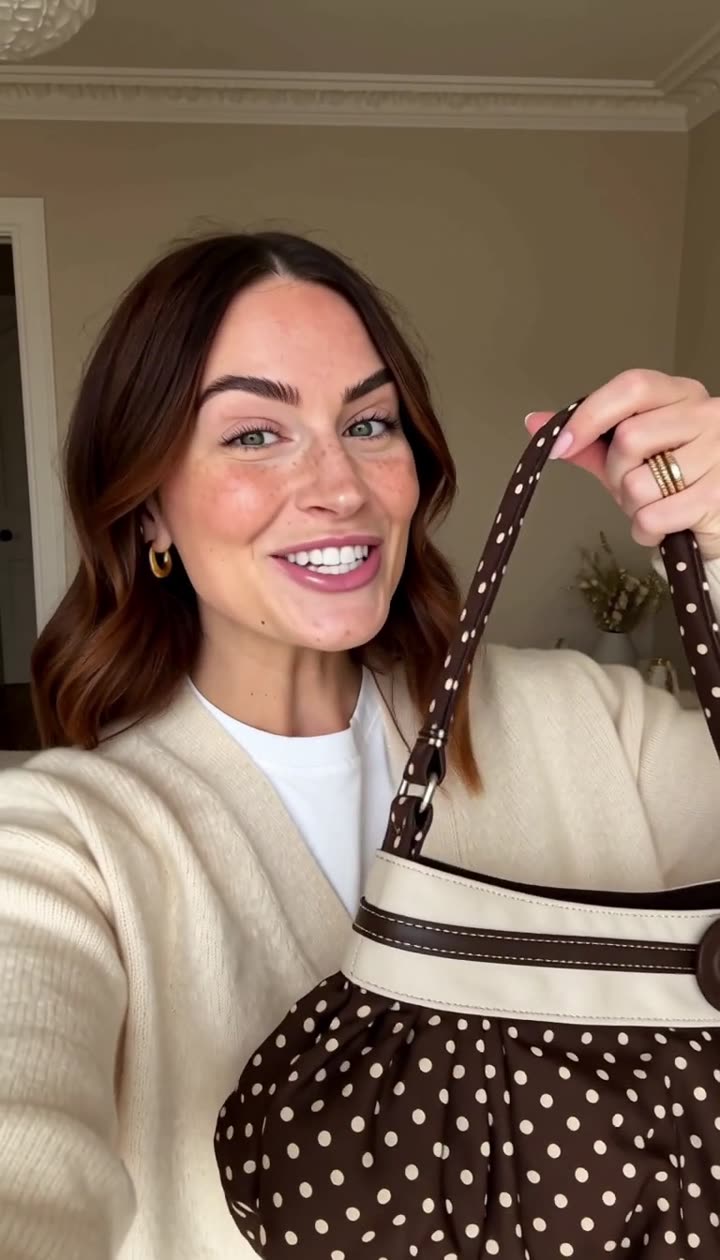
With a reference picture, an AI video model can put your exact product into that kind of footage. Here's the workflow we use on Bizzle, with the polka-dot bag ad from our homepage as the running example.
Step 1: the photo
The picture is the model's only source of truth about your product, so it's worth getting right:
- The whole product in frame, sharp and well lit.
- A plain or simple background.
- One product per picture. If you need the back or the inside, add a second picture (Bizzle takes up to nine).
- No hands, other products or text on top of it if you can avoid them.
A clean e-commerce shot is ideal. A decent phone photo on a white table works too.
Step 2: pick one format
“An ad for this bag” could mean a dozen different videos. Pick one format and commit to it:
| Format | What it looks like | Best for |
|---|---|---|
| Aesthetic UGC | Handheld, natural light, real places, “pack with me” moments, soft music and no talking | Fashion, beauty, lifestyle products; 9:16 |
| Talking UGC | A creator talking to the camera, selfie-style | Products that need a quick explanation |
| Trendy edit | Fast cuts on the beat, whip pans, orbits, music only | Launches, drops, hype |
| Polished commercial | Studio and lifestyle cinematography, smooth camera moves, one tagline at most | Premium brands; 16:9 or 1:1 |
For social feeds, vertical 9:16 is the default. The person fills more of the frame, which also keeps faces sharp (more on that in why faces melt in AI video).
Step 3: plan the shots
A 15-second clip holds four or five shots. A structure that works for almost any product:
- The hook (0 to 3 seconds). A person with the product, chest-up, face large in frame. Or a striking moment with the product itself.
- The detail. A hands-only close-up of what makes the product good: the texture, the clasp, the stitching.
- In use. The product doing its job: packed, worn, poured, opened.
- The lifestyle beat. The person heading out, using it in the real world.
- The hero shot. End on the product alone, filling the frame.
Step 4: write the prompt
The rules that matter most for ads:
- Name the product the same way every time, tied to its picture: “the bag from <Picture 1>”.
- Don't invent the product. Show only what the picture shows: no made-up insides, colours, logos or packaging. Say “exactly as it appears in <Picture 1>” at least once.
- Make the place specific. Two or three concrete details (“a sunny living room, a wooden table, a linen sofa”) beat “a nice apartment”.
- Keep speech short. About 2.5 words per second of the shot, one line per shot at most, and never a claim you can't back up.
- No text in the video. Prices and captions come out garbled. You'll add them in the editor.
- Describe the sound. Music style and tempo, plus one small real sound per shot (keys dropping into a bag, a zip, a click).
Here's an example in the talking-UGC style for a bag like ours:
Aesthetic, natural handheld phone footage in soft daylight, 9:16 vertical, warm and bright.

[Shot 1] A selfie-style shot of a young woman in a cream knit cardigan, framed from the chest up, face clearly visible and large in frame, holding up the bag from <Picture 1> beside her face in a sunny living room. She smiles and says: "Okay, I'm obsessed with this bag."

[Shot 2] At 00:03.000, the camera cuts to a close-up of her hands running over the bag from <Picture 1>, exactly as it appears in <Picture 1>, the soft light catching its texture. Soft fabric sounds and a gentle click as she opens it.

[Shot 3] At 00:06.500, the camera cuts to her hands placing sunglasses, keys and a lip gloss into the bag from <Picture 1> on a wooden table.

[Shot 4] At 00:10.000, the camera cuts to a waist-up shot of her walking out of the front door with the bag from <Picture 1> on her shoulder, glancing back at the camera with a smile. She says: "Literally goes with everything."

[Shot 5] At 00:12.500, the camera slowly pushes in on the bag from <Picture 1> resting on a sunlit chair, ending on the bag filling the frame.

Sound: soft, upbeat acoustic music at around 100 BPM, light room ambience, the small real sounds of the bag being handled.
Or skip the writing: in Bizzle's Generator, add the picture, set 9:16 and 15 seconds, and tell the Prompt Assistant “a UGC ad for this bag”. It picks a format (unless you name one), plans the shots and applies these rules. Because it can't see your picture, it'll name the product the way you do, so say what it is.
Step 5: draft, then render
- Draft on Turbo to check the shots, the timing and that the product looks right.
- Fix one thing at a time. Keep the seed fixed while you tweak the prompt, so you can see what each change does.
- Render the final on Standard with the 2x upscale on for crisp detail.
- Make variations. Ads are tested, not guessed. Queue three hooks or three settings and see which one performs.
Step 6: finish it in the editor
The built-in editor turns a good clip into a finished ad:
- Text that's actually readable. Add captions, a title or a call to action with the text styles, in the brand's colours.
- Your logo in a corner, at the size and opacity you want.
- The right format. Export at 9:16 for Reels and TikTok, or 1:1 and 4:5 for feeds. Clips in another shape can be fitted with a blurred background.
- More than one clip. Join takes with transitions, or extend a clip from its last frame for a longer ad.
- Your own audio. Add music or record a voiceover on its own track.
Step 7: publish it honestly
AI ads work best when nobody feels tricked. Three rules keep you on the right side of platforms and the law:
- No fake reviews. A UGC-style ad is fine. Presenting an AI-made person as a real customer giving a genuine testimonial isn't.
- Only claims you can back up. The usual advertising rules apply to AI ads too.
- Label it as AI. Use the platform's AI label or say it in the caption. Most platforms require it, and our Acceptable Use Policy does too.
Every paid Bizzle plan lets you use your videos commercially, including for clients.
Bring one product photo. Draft a few hooks on Turbo, render the best one, and finish it in the editor, all in one session.