Most disappointing AI videos come from prompts, not models. Not bad prompts exactly, but incomplete ones: a single line that leaves the model to guess the camera, the light, the timing and the sound. Models are very good at guessing, and their guesses are generic.
This guide is what we've learned writing and testing prompts for MiniMax H3, the model behind Bizzle. Most of it applies to any modern video model.
The model takes you literally
A video model doesn't know what you meant, only what you wrote. Two things follow from that:
- Describe what can be seen and heard. “An inspiring scene” gives the model nothing to draw. “Morning sun breaking through fog over a quiet harbour, gulls calling” does.
- Anything you don't mention, it invents. If you don't say where the camera is, it picks. If you don't describe the sound, it improvises one. That's fine for details you don't care about, and a problem for the ones you do.
The six things every shot needs
A good shot description covers six things, roughly in this order:
- Style and look. One line up front: “a cinematic, photorealistic night scene”, “a classic hand-drawn cartoon”, “handheld phone footage”.
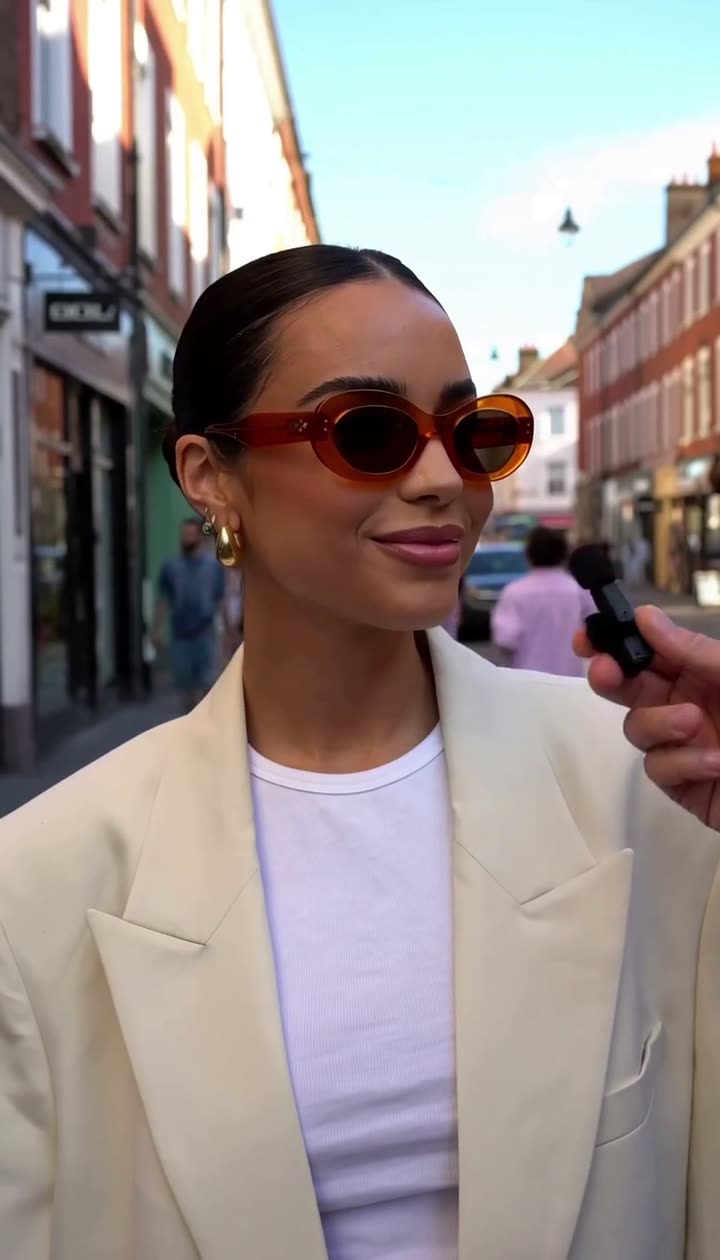
- Subject. Who or what, specifically. “A woman” is a guess; “a woman in her thirties with a sleek dark bun, a cream wool coat and a tan leather bag” is a person.
- Action. One clear thing happening per shot. Models struggle when a single shot has to fit four events.
- Setting. Two or three concrete details beat a list of ten: “a marble kitchen island, a vase of white tulips, a tall window with sheer curtains”.
- Camera. The shot size, one move, and where the move ends: “a slow push-in from waist-up to a close-up of her face”.
- Sound. MiniMax H3 makes the audio too, from your description. Name the ambience, one or two specific sound effects, any dialogue in quotes with who says it, and the music's mood.
A cool shot of a sneaker in the rain at night.
A chrome running sneaker on a rain-slicked city street at night, pink and blue neon signs reflected in the puddles around it. The camera glides slowly around the shoe at ground level as raindrops bead on its surface. Rain patters on the asphalt, a car hisses past in the distance.
Write in shots, with timing
A 10-second clip can hold a little story, but only if you tell the model where the cuts go. Label each shot and give later shots a cut time:
[Shot 1] A close-up of hands sliding a leather bag off a café table...
[Shot 2] At 00:04.000, the camera cuts to a waist-up shot of her walking out into the street...
[Shot 3] At 00:07.500, the camera cuts to the bag swinging at her side, the café sign behind her...
How many shots fit? These are the rules we use:
- Under 5 seconds: one continuous shot. There's no time for a cut to land. Pick the single most important moment.
- Longer clips: roughly one shot per 3 seconds, each at least 2.5 seconds long. A 15-second clip holds four or five shots at most.
- No cut in the first 2 seconds, and none in the last 2. The final shot needs room to play out, or the model squeezes it into a flash.
- For small changes, move the camera instead of cutting. A push-in from a product to its detail reads as one smooth shot.
Dialogue: the 2.5-words-a-second rule
Speech has to fit the shot it's in. People speak at about 2.5 words per second, so a 3-second shot holds one short line of seven or eight words. Write more and the model either rushes it or cuts it off.
- At most one line per shot.
- Put the line in quotes and say who says it, on or off camera.
- Never invent claims (prices, awards, ingredients) in an ad. The model will say them confidently.
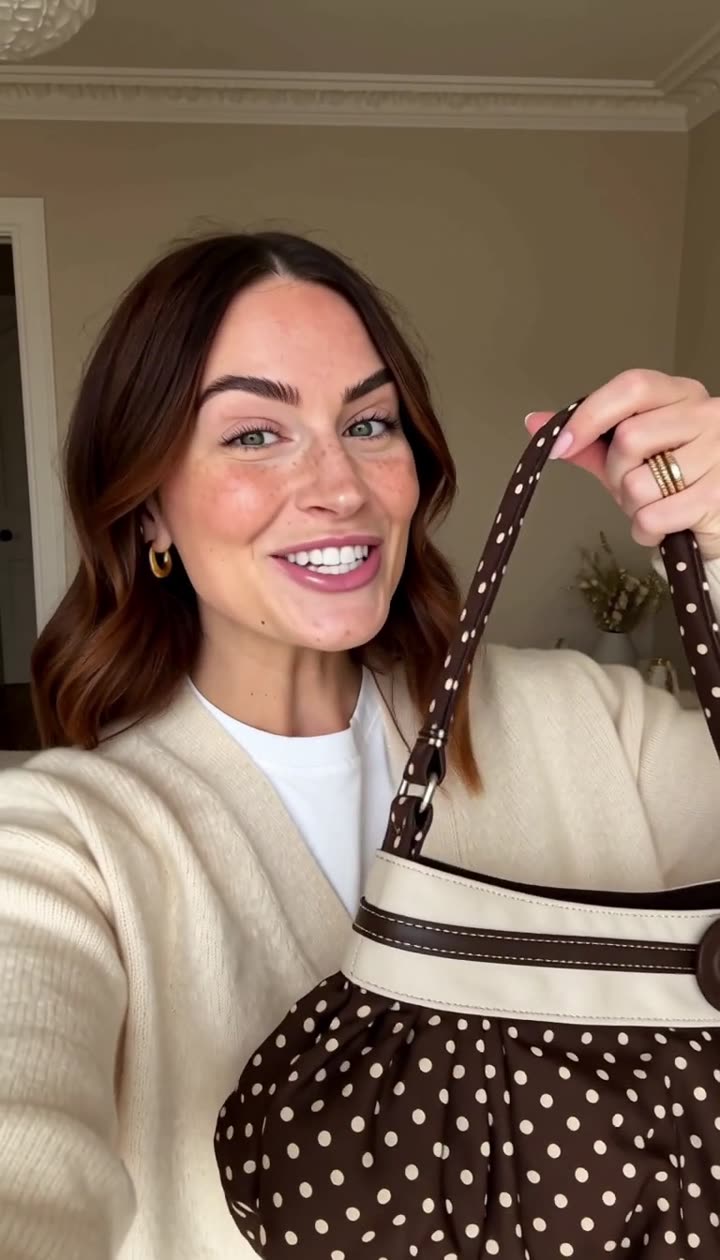
[Shot 2] At 00:03.000, the camera cuts to a selfie-style shot of her, framed from the chest up, face clearly visible, smiling at the camera. She says: "Honestly, this goes with everything I own."
Say what you want, never what you don't
This one surprises people. Negative instructions tend to backfire: naming a thing, even to forbid it, puts it in the model's head. In our tests, “no sunglasses” added sunglasses, and “no new speech or sounds” froze every mouth in a music video.
A man on a beach, no sunglasses, not blurry, no people in the background.
A man on an empty beach, his eyes clearly visible, sharp and in focus, the sand and sea stretching away behind him.
The same goes for words like “low quality” or “grainy” in a list of things to avoid. Describe the quality you want instead: sharp, clean, high-definition.
Leave text out of the video
Video models are poor at spelling. Prices, captions, logos and titles usually come out garbled. Keep text out of the prompt and add it afterwards: Bizzle's editor has text styles for captions, titles and calls to action that you can place over any clip.
Prompts with pictures and frames
Reference pictures
When you add pictures, each one gets a tag, <Picture 1>, <Picture 2> and so on, that you can use in the prompt. A few rules make them work much better:
- Tie the subject to its picture every time: “the bag from <Picture 1>”, in every shot it appears in.
- Don't re-describe what the picture already shows. Let the picture carry the colours and details. If you describe them differently, you're asking for a different product.
- Don't invent what it doesn't show. No insides, extra colours or packaging that isn't in the picture.
Start and end frames
A start frame fixes the first image of the video; an end frame fixes the last. With both, the prompt only has to describe what happens in between: “the camera slowly pushes in as the lights of the city switch on one by one”. This is the most reliable way to control exactly where a clip begins and ends, and to continue one clip from the last frame of another.
Iterate like a director
Great clips rarely come from the first take. A workflow that wastes the least time:
- Draft on Turbo. Turbo runs 8 steps instead of 20, so drafts come back much faster. Use them to test the composition, the action and the timing.
- Change one thing at a time. Fix the seed (under Advanced) while you adjust the prompt, so you can see exactly what each change does.
- Render the keeper on Standard with the 2x upscale on, once the draft looks right.
- Queue several takes. You can queue as many jobs as you like while your session is running, and keep writing while they render.
If writing all this sounds like a lot, the Prompt Assistant in Bizzle's Generator does it for you: type the idea in a sentence, set the length, and it writes the shots, timing, framing and sound using every rule above. Its “Advanced” version uses MiniMax's own structured format, which the model follows most closely.
A full example
Here's a 10-second, three-shot prompt in the style we've described: a style line, timed shots that each do one thing, camera moves with clear endings, and the sound spelled out.
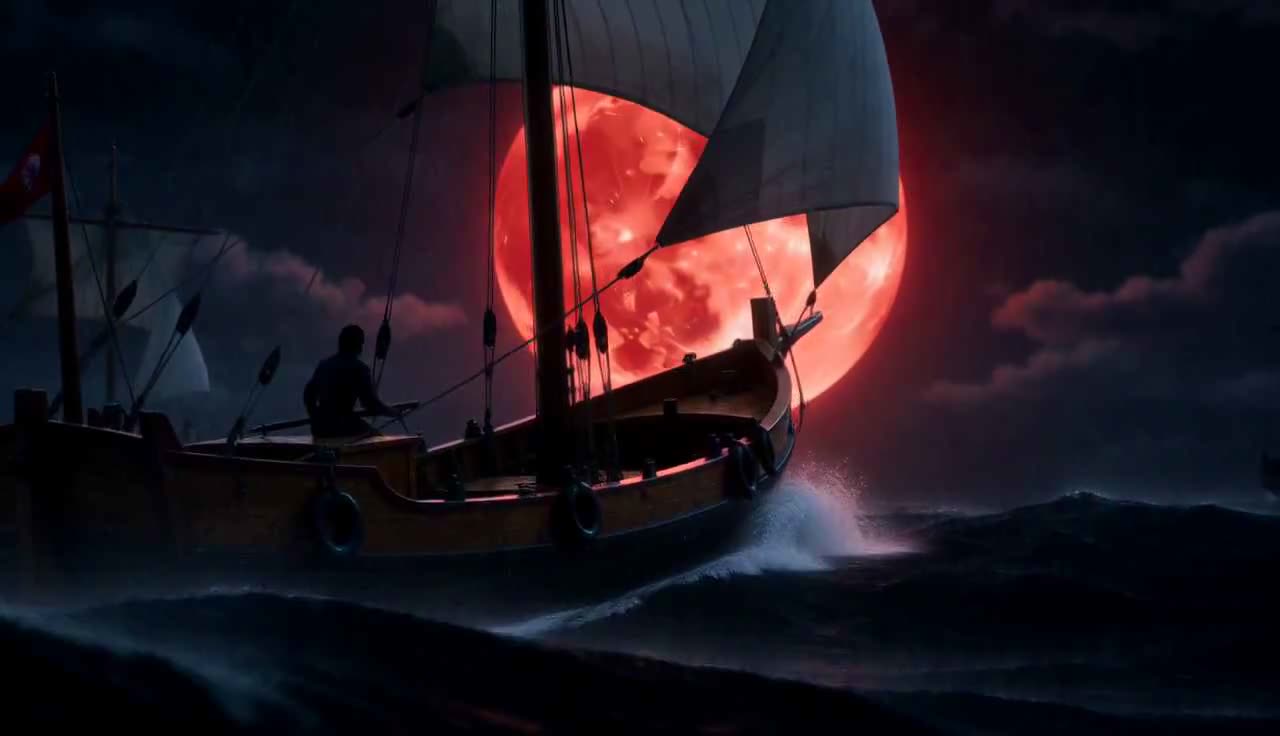
A cinematic, moody night-time sequence with deep blues and a single warm red light source, shot on a slow, steady camera.

[Shot 1] A wide shot of an old three-masted sailing ship cutting through heavy black waves under a huge blood-red moon low on the horizon. Spray bursts over the bow and catches the red light. The camera holds still, low to the water, as the ship crosses the frame from left to right.

[Shot 2] At 00:04.000, the camera cuts to a close-up of the ship's wet wooden bow rising and slamming down into a wave, white foam pouring over the rail, the red moon reflected in the water behind it.

[Shot 3] At 00:07.500, the camera cuts to a slow push-in on the moon from the deck, the ship's dark sails filling the edges of the frame and swaying with the swell, ending on the moon filling the centre of the frame.

Sound: a howling wind, waves crashing against the hull, wooden timbers creaking under strain, and a low, ominous orchestral drone that swells as the camera pushes in on the moon.
Try these rules on your next idea, or type one sentence into the Prompt Assistant and see the full prompt it writes. New accounts get 10 free studio minutes.